What to Include in an Event AV Rental Quote
· Planning & Logistics, Conferences & Meetings
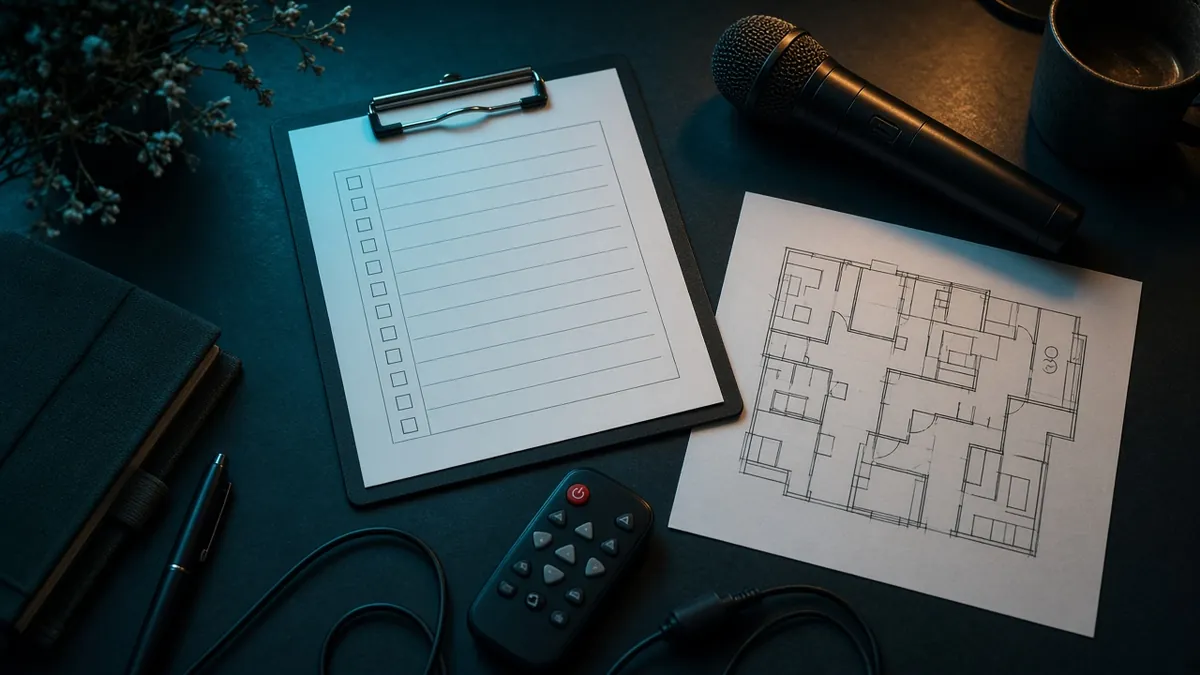
A good event AV rental quote starts with a good request. The more of your room you describe, the closer the first gear list lands, and the fewer surprises show up on load-in day.
The RentOurAV.com quote form asks for a short set of details. Here is how to fill each one out, step by step.
Step 1: Contact basics
Name, company, and either an email or a phone number. One is enough.
Step 2: Event name, venue, and city
These are optional on the form, but they help. Give the city, the venue, and the rooms by name if you have them. For a multi-city run, list the route.
Step 3: Dates, load-in, and first session
- Start and end dates of the event.
- Load-in time and the time the first session starts.
- Rehearsal and load-out windows, if you know them.
Some gear takes longer than you expect. An LED wall, for example, takes longer to load in than a tripod screen.
Step 4: Audience in the largest room
Pick a range: under 25, 25 to 75, 75 to 200, 200 to 500, or more than 500. Not sure yet is a fine answer too. Audience size drives screen size, projector output, and sound coverage.
Step 5: Check the equipment you already know you need
The form lists each category. Check what applies:
- Projectors & screens
- Displays, monitors & TVs
- Video walls & LED
- Sound & mics
- Cameras, streaming & conferencing
- Lighting, staging, pipe & drape
- Digital signs
- LED poster displays
- Interpretation equipment
- Video scalers & processors
- Virtual reality
You do not need to know everything. RentOurAV.com uses your picks to suggest a practical set, including pieces you did not think to list.
Step 6: Describe rooms, timing, and sources
Use the free text box for the details that change the gear:
- Room length, width, and ceiling height, and whether the lights can be dimmed.
- Viewing distance and whether the space is indoor or daylit.
- Every source: laptops, cameras, playback, and which port each uses.
- Power available near screens and walls.
- Who is building the content, and at what size or ratio.
Step 7: Is anyone joining online?
Hybrid sessions need cameras, capture, and an audio return. Say so early so it lands on the first quote.
Step 8: Delivery only, or help on site?
Most RentOurAV.com rentals ship to your venue with prepaid return labels. Setup and strike, and technicians such as an A1 audio, V1 video, or lighting tech, are optional add-ons at extra cost. Labor is not assumed, so tell us whether the house crew, your crew, or a crew you want us to schedule is doing the hands.
Need more than AV?
The same form lets you add computers, laptops, tablets and iPads, printers and office equipment, servers, Wi Fi, and furniture from our sister site Rentacomputer.com.
Checklist recap
- Contact: name, company, email or phone
- Event, venue, city, rooms by name
- Dates, load-in, first session
- Audience in the largest room
- Equipment categories
- Room details, sources, power, content
- Online attendees
- Delivery only or on-site help
FAQs
Do I need to know every piece of gear before I ask?
No. Check what you know and describe the room. RentOurAV.com will suggest a practical set.
Are dates and venue required?
They are optional on the form, but they make the quote more accurate.
What if the form is not working?
Email sales@rentacomputer.com or call 888-736-8301.
Is labor included in the quote?
Labor is not assumed. Setup, strike, and technicians are optional add-ons at extra cost, and the labor quote is kept next to the gear list.
Request a quote
Ready to send yours? Fill out the form at rentourav.com/quote or call 888-736-8301.
Tags:Event AV rental quoteAV rental checklistEvent planningConference AVTrade show AVCorporate events